How to use this home page
What the dots and colours mean, the eight views, the Timelapse, search and more, in one short read.
If this is your first visit, short speech bubbles walk you through the page. To see them again, take the tour.
Dots and colours
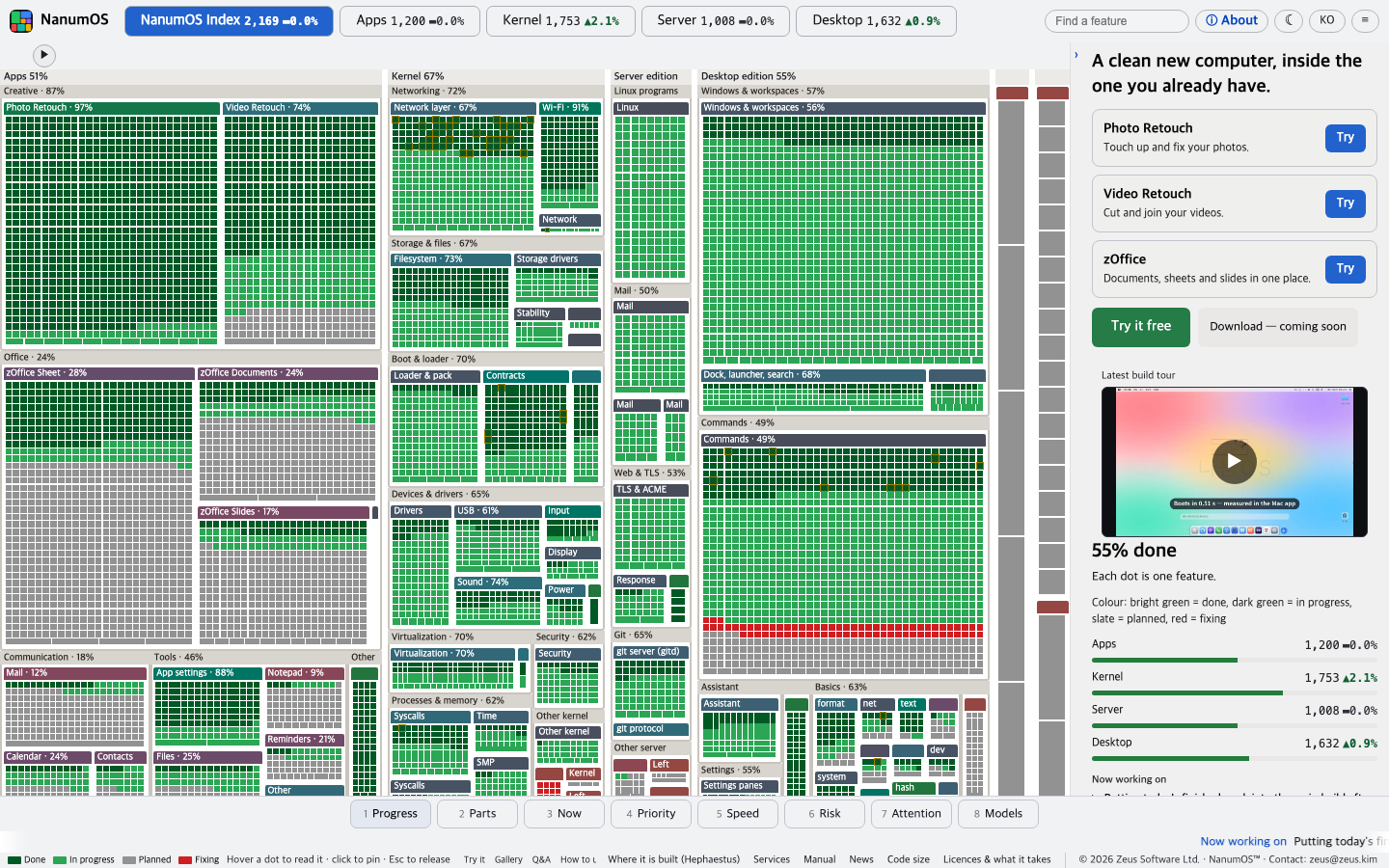
Each dot is one NanumOS feature. Dots of a kind sit together in a box, and a bigger box means an area with more features.
- Bright green: done
- Dark green: being built
- Grey: planned
- Red: being fixed
Eight views

The same dots, seen eight ways. Pick one from the row at the bottom (on a phone, the bar at the very bottom).
- Progress: how far along it is
- Parts: what it is made of
- Now: where work is happening lately
- Priority: what comes first
- Speed: where it is growing fast
- Risk: what is being fixed or hard
- Attention: what people looked at most
- Models: which model built it
Timelapse
Press the ▶ button at the top left and the whole build runs past, day by day. Press it again to stop.
Click a dot
Hover a dot and the panel on the right explains that feature. Click to keep it there, and press Esc to let go. On a phone, tap a dot and the explanation appears in the panel below.
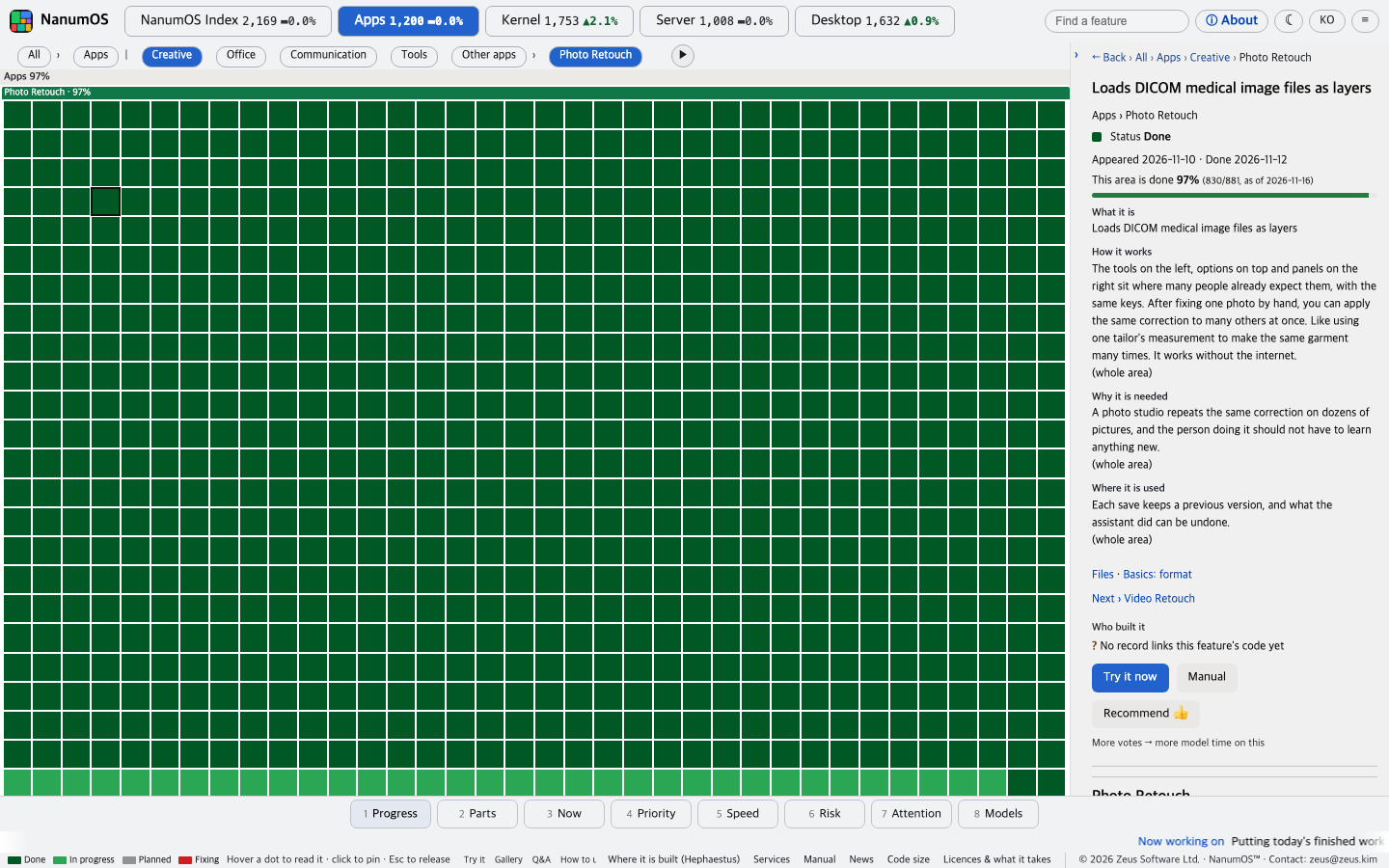
Search
Type a word in the "Find a feature" box at the top to jump straight to it.
Light and dark
The moon (or sun) button at the top switches. It follows your device at first.
Try it
Press "Try it free" on the right to use NanumOS in your browser, nothing to install.
On a phone
On a narrow screen the view row moves to the bottom and tapping a dot shows its explanation in the panel below. The menu is the single button at the top right.
NanumOS 0.1.8349 · 2026-11-16