Search
One box to find apps, documents, mail, events, contacts and sums.
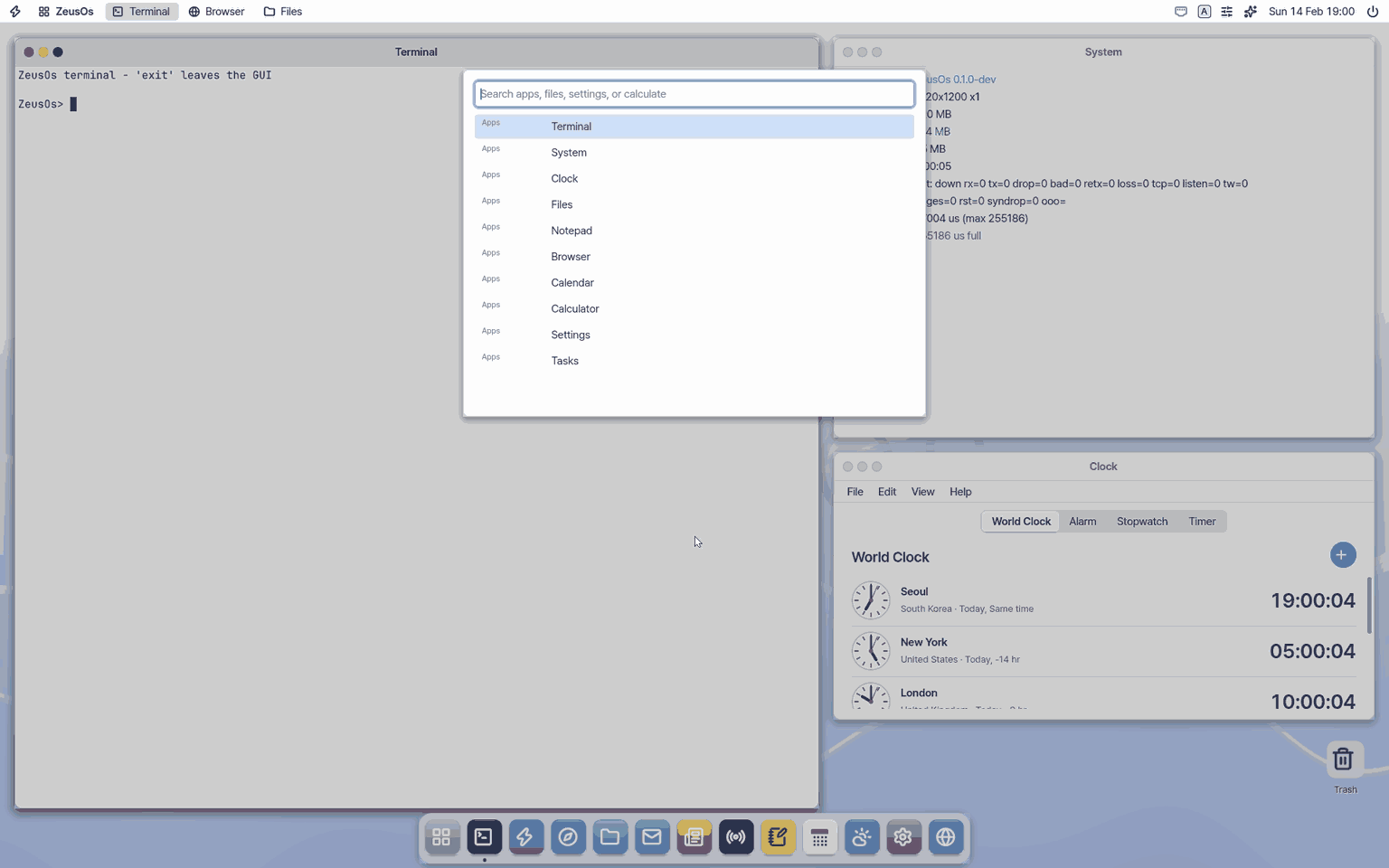
Try this
1. Open the search
- Hold
Superand tapSpacebriefly.
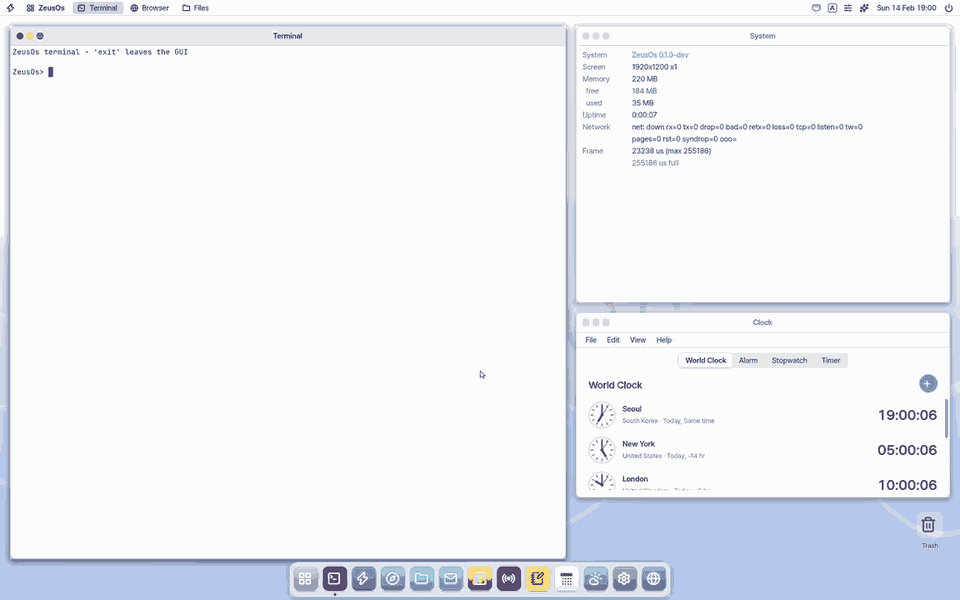
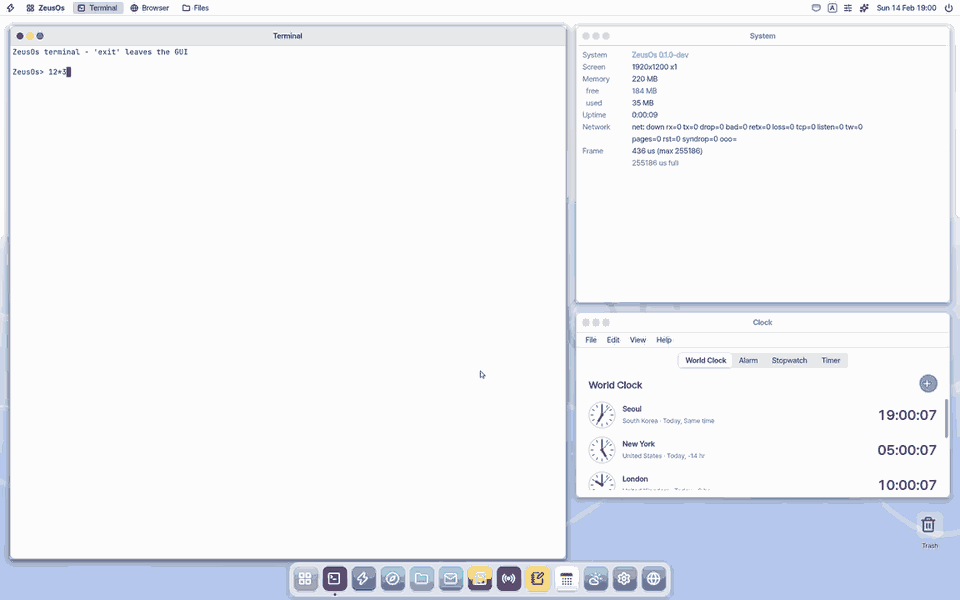
2. Do a sum
- Type a sum and the answer shows at once. Type a word and documents, mail and events show in groups, with a preview of the chosen one on the right.
3. Close it
- Press
Escto close.
Shortcuts
- Choose with the up and down arrows; Enter opens.
Ctrl+Enteropens the chosen file's folder in Files (Cmd+Enter on a Mac keyboard).- The last row, 「Ask Zeus」, sends what you typed to Zeus as it is. Ask "the PDF I got last week" and Zeus finds it in the index.
Settings
Change them in Settings › Apps › Search.
- Index files, mail and calendar: off removes the index; file names are still found as you type.
- Index on battery: off by default (indexing only on power).
- Folders to leave out: separated by
;(for example Private;Downloads/tmp). - Index size limit (MB): past it, new files are indexed by name only.
- Rebuild the index now: also shows how many items are indexed.
The index re-reads only changed files, in the background while the desktop is idle. The vault (vault.kdbx), key files and folders starting with a dot are never indexed.
What it cannot do
- Korean is matched two syllables at a time without a morphological analyser: a word with a particle such as 「보고서를」 is found with 「보고서」.
- Mail is searched by its list (sender, subject, date) only; bodies are not kept on this computer.
- A .hwp (5.0) file is searched by the preview text Hangul stores in it (its beginning) only.
- Text or objects inside photos are not found. The picture preview shows JPEG files up to 2 megapixels only.
- Search on the phone and on lite finds apps only (no file index there).
NanumOS 0.1.8349 · 2026-11-16