Notification Center
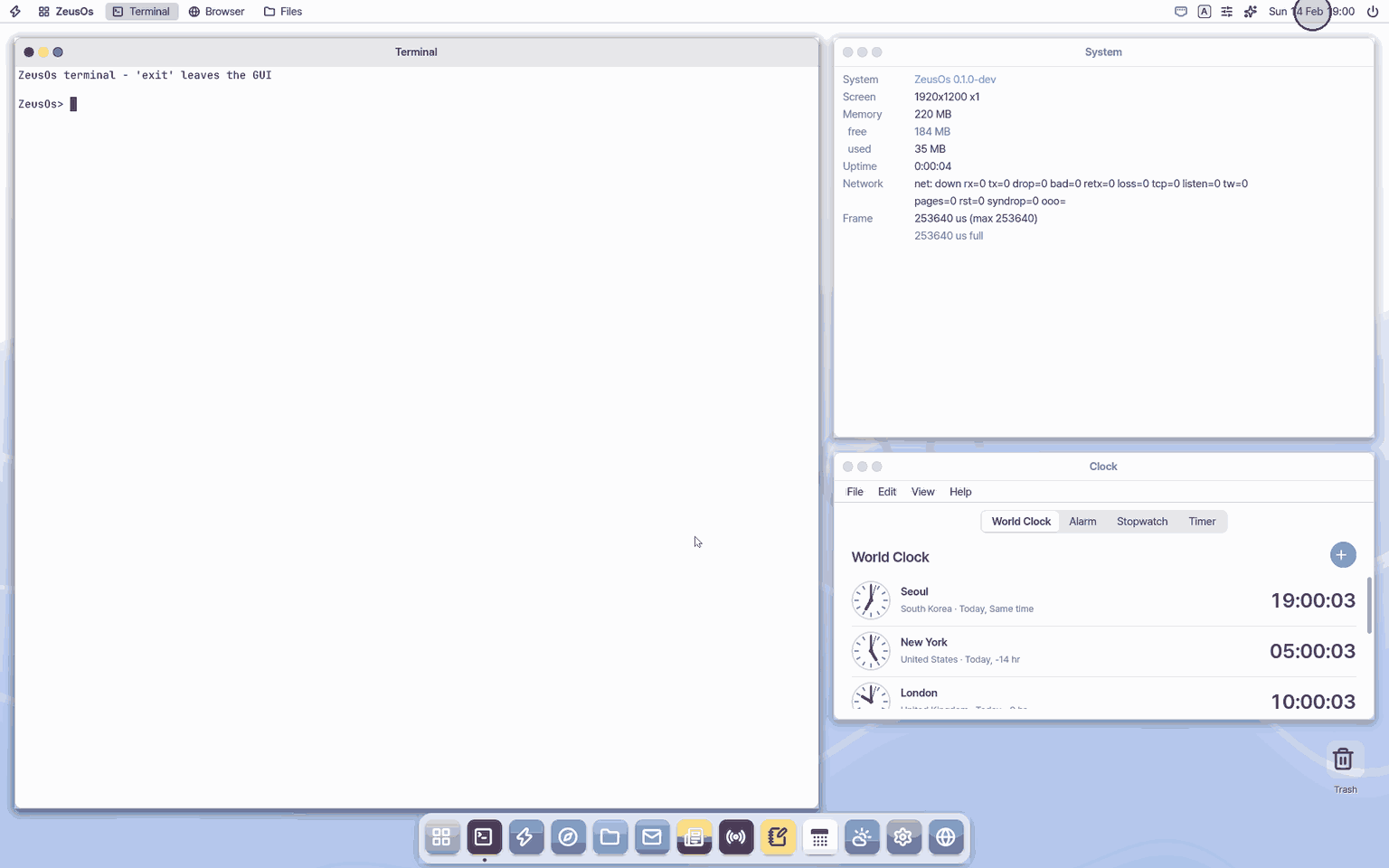
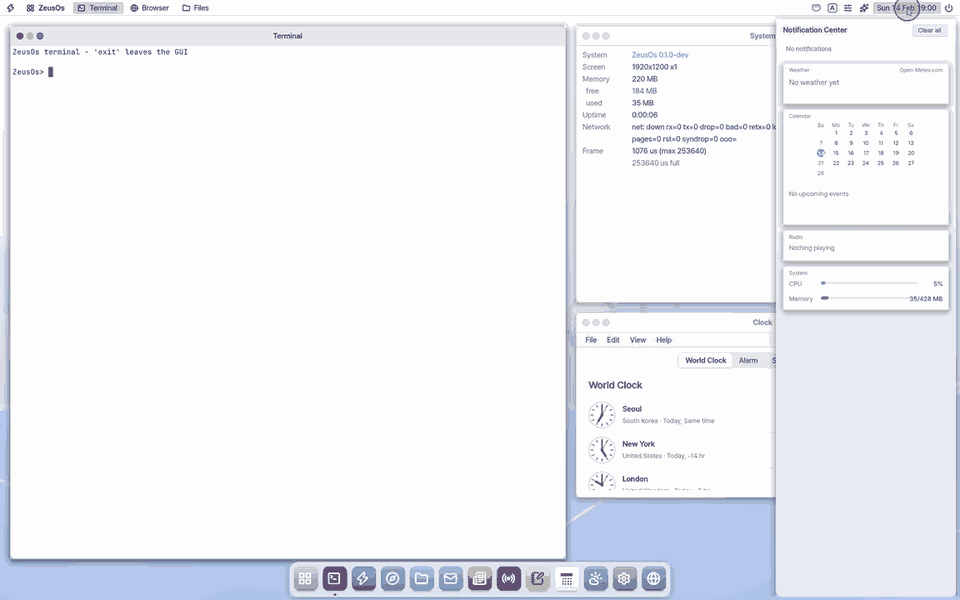
Notifications slide in at the top right; past ones pile up here.
Try this
1. Open the panel
- Click the clock in the top bar.
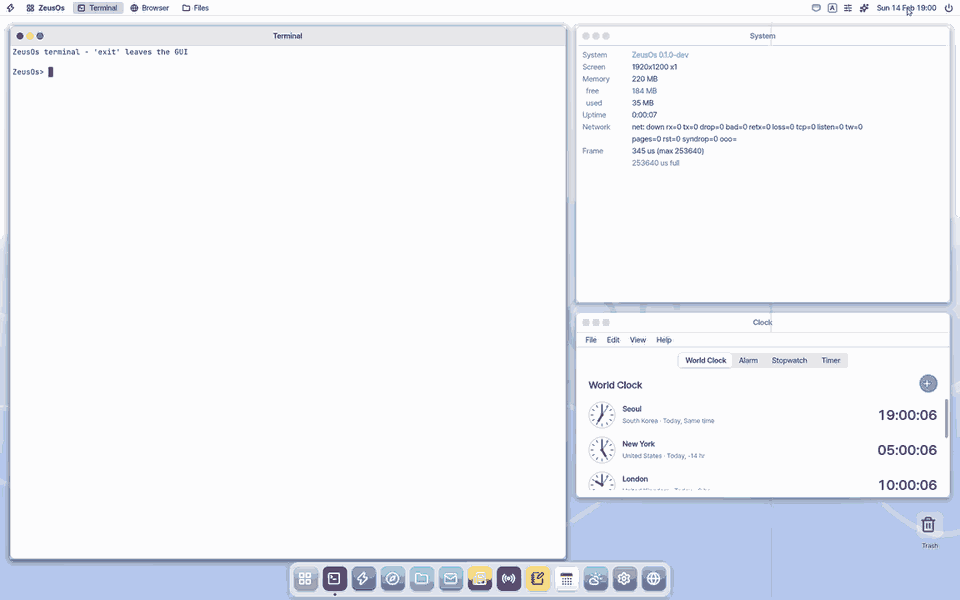
2. Close it
- Press
Escor click outside.
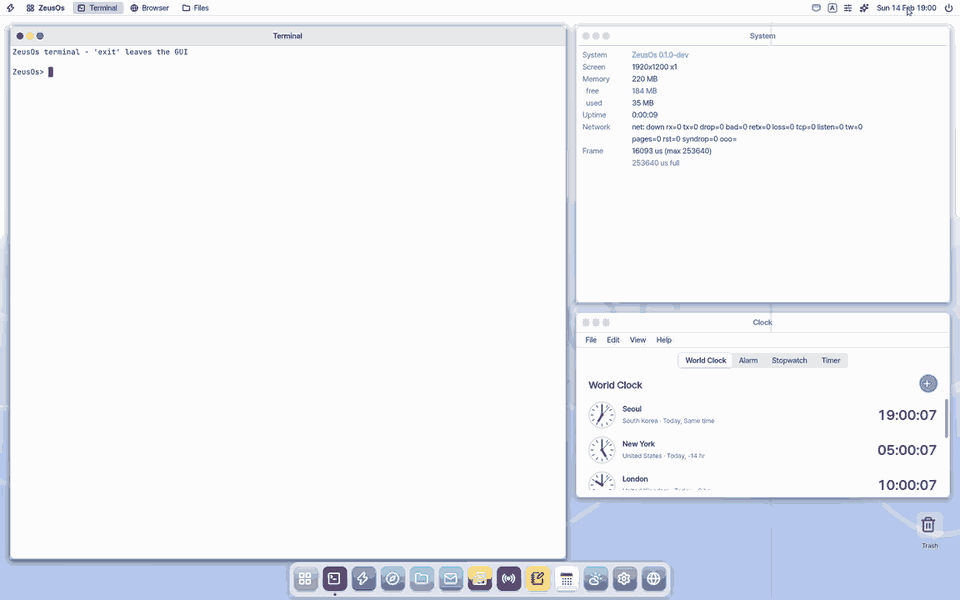
3. Send yourself one
- In the Terminal type
notify TITLE BODY.
Shortcuts
This app has no shortcuts of its own.
Settings
Settings › Notifications: Do Not Disturb (no cards, notes only pile up here), and in the Mac app "Use the Mac's Notification Center" with "Previews on the Mac" per kind. Settings › General: "Show today's one thing". Details: Settings guide › Notifications.
What it cannot do
- It remembers only 12 notifications; when full, the oldest drop out. Everything is gone after a restart.
- You cannot mute a single app yet (Do Not Disturb applies to all).
- "Today's one thing" stays in no list — if you miss it, another one comes the next day.
- Clicking the weather card does not open the Weather app yet.
- You cannot remove a single notification or page through older ones.
- Some hint lines can show garbled characters on a Korean screen.
NanumOS 0.1.8349 · 2026-11-16