Reader
Status: Ready
Reads a page as clean text.
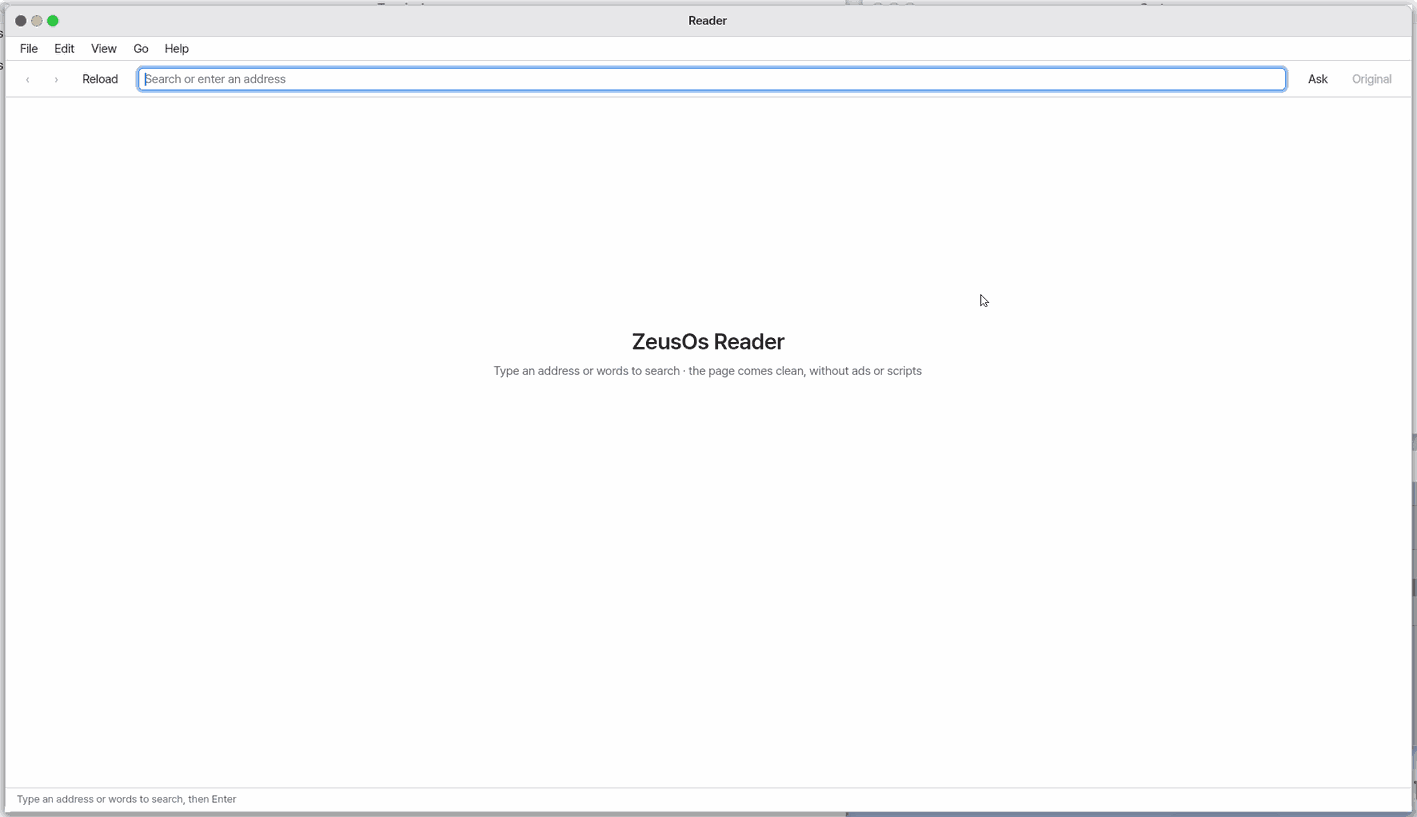
About this app
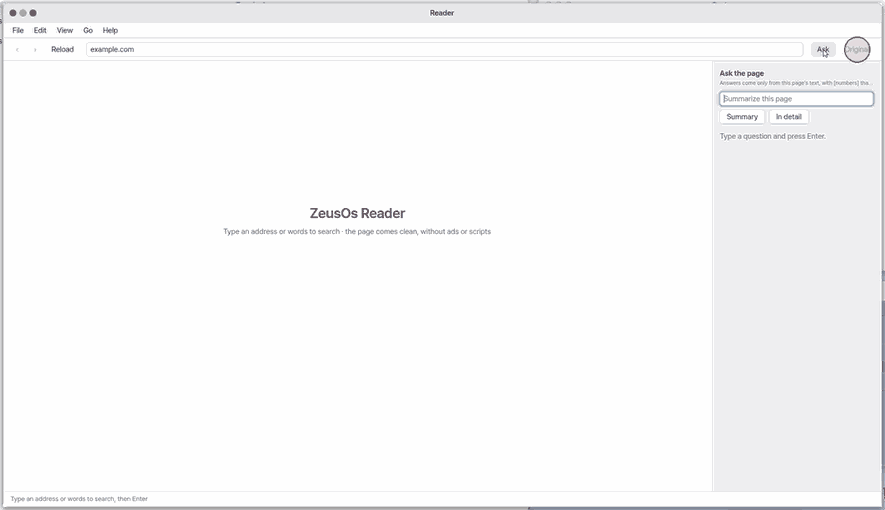
Reader shows web pages cleanly, as text, without ads and decoration. You enter an address or some words, read the page, and can ask questions about what you are reading. It is not a full browser: there are no tabs, no find-in-page and no page forms, and when you need the original look, "Original" opens it in the browser.
Basics
A web page mixes the text you came for with menus, ads and suggested links. A reading view picks out the readable parts, such as the title, text, pictures and tables, and lays them out again like a book page. It is like cutting an article out of a newspaper and pasting it on a clean sheet. What you lose is the page's original design and moving features, so it is comfortable for reading, and you use "Original" only when you need the page as it was.
How to use it
- Press
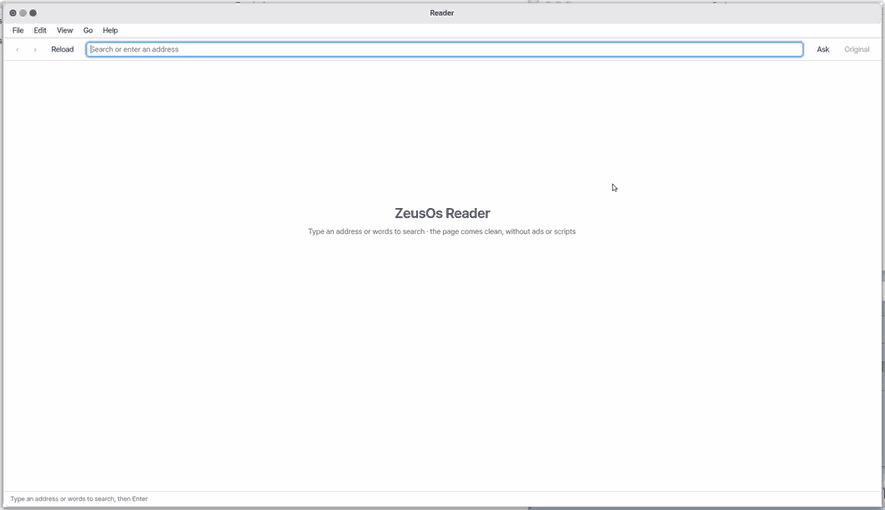
F6(orCtrl+L) to go to the address box, type an address or words and pressEnter. Similar pages appear below while you type. - Click a link in the text to open it in the same window;
Ctrl+[andCtrl+]go back and forward.F5refreshes andHomegoes to the top. - Press "Ask" (or
Ctrl+K), type a question and pressEnter; it answers from the page you are reading. You can keep using the window meanwhile, and Cancel orEscstops it. - "Original" (
Shift+Ctrl+O) opens the same address in the browser as the page looks originally. - At night use "Dark page" in the View menu (
Shift+Ctrl+D). In Settings (Ctrl+,) choose whether pages start dark and whether similar pages are shown. - While loading you see "Loading… N s", and Cancel or
Escstops it.
Try it yourself
Press F6, open the address of any text page, then ask "Summarize this in three lines" in "Ask".
How it works
- When you open an address the page is fetched in the background, only the readable content is extracted, and it is laid out in a clean typeface in order: headings, paragraphs, links, lists, quotes, code, tables and pictures.
- The first few pictures arrive with the text and the rest arrive as you scroll near them.
- The window does not freeze while the page loads; if nothing arrives within 40 seconds it says so and offers "Try again".
- A question is answered only from the text of the current page, and the answer carries block numbers that scroll the page to that spot when you click them. The same question about the same page shows the saved answer at once (only while the app is open).
- Important: when you ask, the page text and your question are sent to the answering model. If you have not chosen a model, that is a free online model used without a key, so they go to that service.
- A very long page shows only its beginning; see the whole thing in "Original". Videos are not played; only the title and description are shown.
Technical details
readpage fetches the page over TLS, runs it through the HTML and CSS engine and writes reading records (headings, paragraphs, tables and so on) to /tmp/.rd-page. Pictures are decoded and shrunk into separate pixel files. A question runs as a background job (up to 120 seconds) that calls zeus --ask-page.
FAQ
The page looks odd
The reading view re-lays out the page as text, so it can differ from the original design. Press "Original" when you need the original look.
Where does my text go when I ask a question
The text of the page you are reading and your question go to the answering model. If you have not chosen a model, they go to a free online model service used without a key. If you do not want that, do not use Ask.
Does it have tabs or find-in-page
Not yet. This app reads one page at a time in one window, and page forms (such as search boxes) and PDF reading do not work. Use the PDF app for PDFs.
At a glance
In one line: An app that shows only the text of a page. Open an address, read it, and ask about what you read.
The screen
- Address box: press
F6and type the address - Reading area: only the page text, cleanly
- "Ask": ask about the page you are reading
- "Original": opens it as it really looks, in Chromium
Task 1. Open an address
- Press
F6 - Type the address
- Press
Enter
Say: "Open the Reader app"
Task 2. Ask about this page
- Press "Ask"
- Type your question
- Press
Enter
Say: "What is the Reader app for?"
Task 3. See the original
- Press "Original"
- Look at the page that opens in Chromium
Say: "Bring the Reader app to the front"
Try this
1. Open an address
- Press
F6to go to the address field.
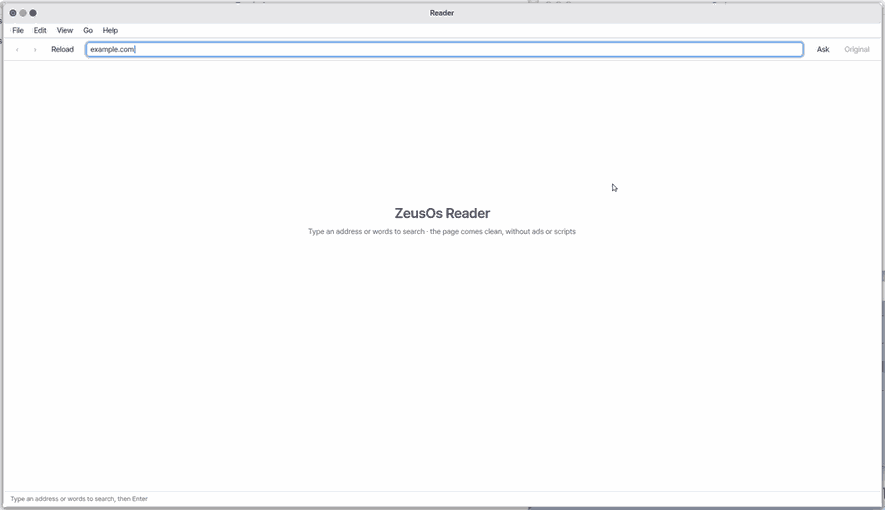
- Type an address and press
Enter.
2. Ask about the page
- Click Ask.
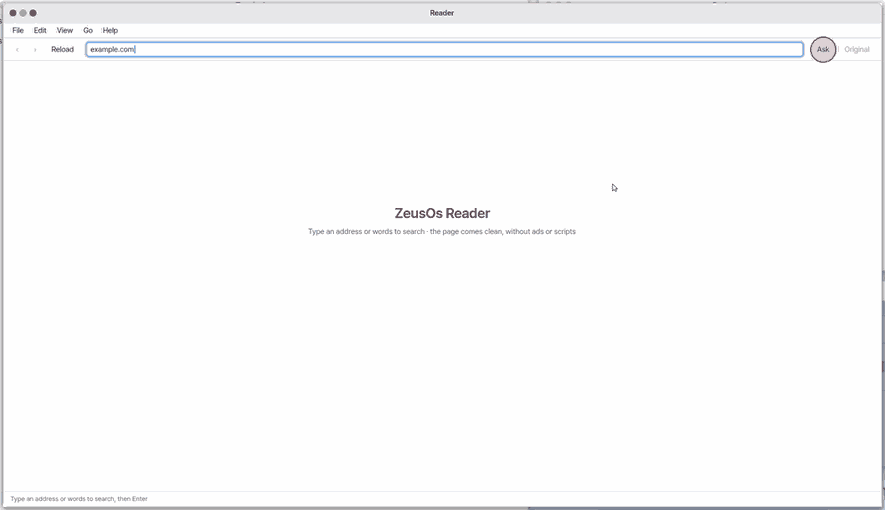
The screen keeps working while it asks: the Ask panel shows "The AI is reading the page… N s", and Cancel (or Esc) stops it. The question runs as one small job in the background, so you can scroll or use other windows. With no answer in 120 seconds it says so; press Enter to ask again. The same question on the same page again shows the answer it already has (kept until the computer restarts).
A page and its pictures load in the background too: the window says "Loading… N s" with Cancel (or Esc), so you can still use other windows; a page that does not answer within 40 seconds says so, and Try again loads it once more.
3. See the original
- Click Original to open it in Chromium.
Shortcuts
| Key | What it does |
|---|---|
Ctrl+L | Open Location |
Shift+Ctrl+O | Open Original |
Ctrl+B | Open in Browser |
Ctrl+W | Close |
Ctrl+C | Copy Address |
Shift+Ctrl+C | Copy Link |
F5 | Reload |
Ctrl+K | Ask the Page |
Shift+Ctrl+D | Dark Page |
Home | Top of Page |
Ctrl+[ | Back |
Ctrl+] | Forward |
Shift+Ctrl+H | Start Page |
F1 | Reader Help |
Settings
Reader settings open from File > Settings… (Ctrl+,).
- Dark page — start with the dark page.
- Show matching pages while typing an address — under the address box an "Open: …" line and the pages seen in this window that match.
Dark Page is also in the View menu. The Edit menu has undo, redo, cut, copy, paste and select all (Copy with nothing selected copies the address).
What it cannot do
- No tabs, no find in page, no text-size buttons in the app, no forms on pages (such as search boxes), no PDF reading, and no cached back/forward (a page is loaded again).
- Videos do not play. Only the title and description are shown.
- Ask uses only the text of the current page. A very long page shows only its first part; see the rest in the original.
- Ask is answered by the same model as the Zeus assistant. If you have not chosen a model, the page text and your question go to a free online model that needs no key.
NanumOS 0.1.8349 · 2026-11-16