Security
Status: Ready
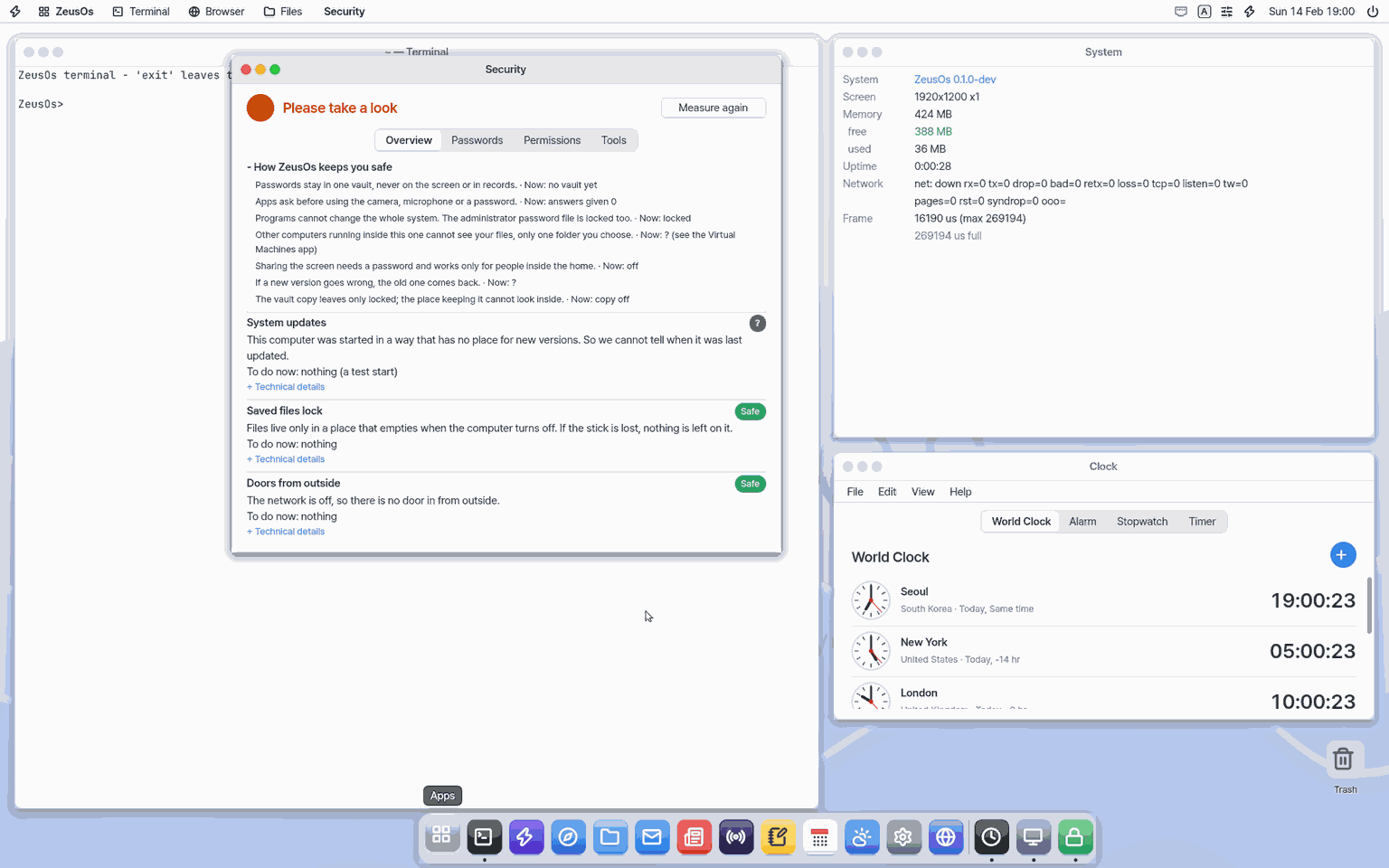
See if this computer is safe; check passwords and permissions.
About this app
An app that shows at a glance whether this computer is safe right now, and checks your passwords and what each app may use. It opens on the computer and on the phone screen (Mobile), but on Mobile only the password check and the vault grants work.
Basics
Think of the safety of a house: is the front door locked, did you hand a key to just anyone, is a window left open? A computer is the same. Who can get in (open doors), whether a password is too easy or used in many places, which apps may use the microphone or camera.
How to use it
- On the Overview tab read the verdict at the top (Safe, Take a look, Fix now). Each row has a plain explanation and a "What to do now".
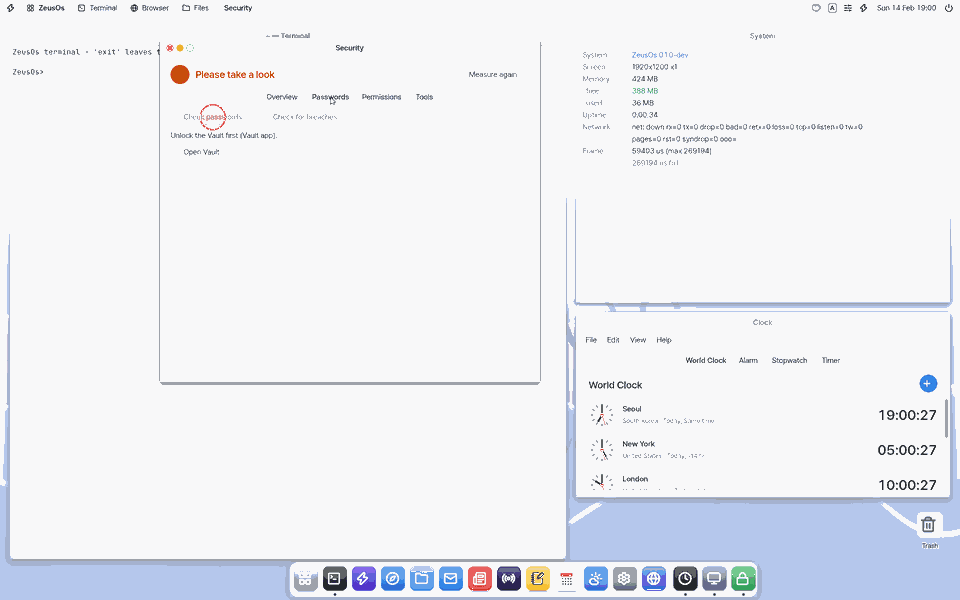
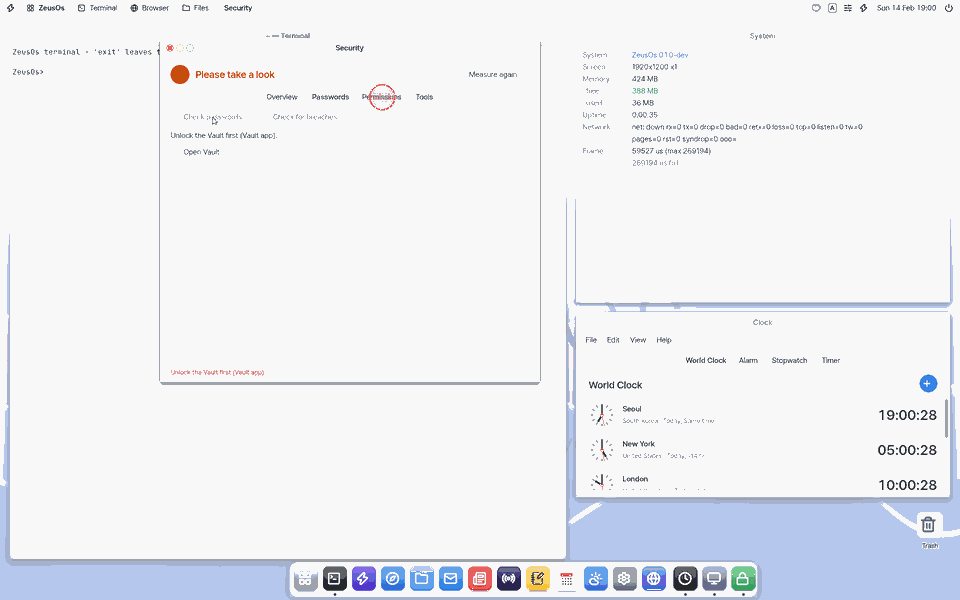
- On the Passwords tab open the vault and press the check; it lists weak, reused and old passwords. Click a row to change that password in the vault.
- On the Permissions tab press what you want to withdraw; a confirmation appears and you press once more.
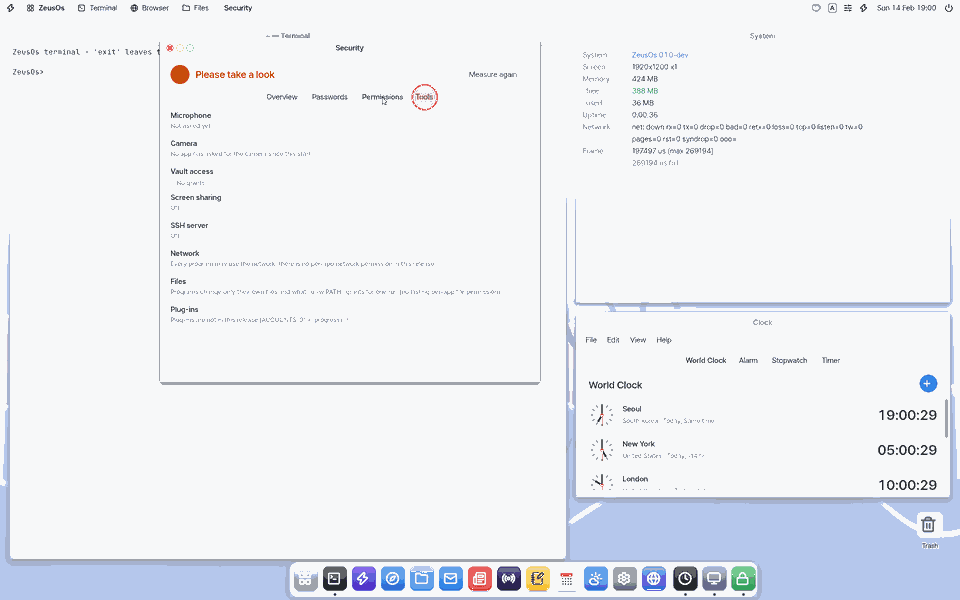
- On the Tools tab lock or unlock a file with a passphrase, or check a signature.
- On the Firewall tab turn the firewall that filters connections coming in first on or off, and add or remove rules. Each rule shows how often it let something in, plus the services you turned on and how many attempts were dropped. Turning it off or removing a rule asks once more.
Try it yourself
Try it: on the Overview tab pick a row marked "Take a look" and read its "What to do now".
How it works
- The password check happens only on this device. The values never appear on screen or in the logs.
- "Check for leaks..." runs only when you press it, after one more question, and sends only the first 5 characters of each password's hash.
- Anything that changes something goes through a confirmation sheet first.
- The Firewall tab does what the terminal's
fwcommand does; the screen reads/proc/fw. More in Firewall.
Technical details
The same rows appear as /proc/security; read them in the terminal with cat /proc/security. The leak check is hibp-range: it asks a public breach-list service about only the first 5 hex characters of the SHA-1 (k-anonymity) and matches on the device. Encrypt and sign use age and minisign, OpenPGP checks use pgp, certificates use certs.
FAQ
Why do some rows show "?"
For example, whether your router blocks outside access cannot be known from inside. "?" is never counted as safe.
Does the leak check send my password out
No. It sends only the first 5 characters of each password's hash, and the real match is made on this device. It runs only when you press it, after one more question.
What does the firewall block
Only connections that try to come in first. Connections this computer opens and their answers, and the services you turned on (remote terminal, screen sharing and so on), pass. To reach a program you started yourself from outside, allow its port with "Add a Rule...".
How do I add my company certificate
On the Tools tab go to Certificates > "Add company CA...", pick the file your company gave you, and press "Trust" only when the fingerprint shown matches the one your company told you.
At a glance
In one line: An app that shows at a glance whether this computer is safe now, and checks your passwords and permissions.
The screen
- Verdict at the top: Safe, Please take a look, or Fix it now
- Each line has a plain explanation and "What to do now"
- Tabs: "Password check", "Permissions", "Tools"
Task 1. See it at a glance
- Read the verdict at the top
- Read "What to do now" on each line
Say: "Open the Security app"
Task 2. Check passwords
- Open the "Password check" tab
- Open the vault
- Press "Password check"
Say: "What does the Security app check?"
Task 3. Take back a permission
- Open the "Permissions" tab
- Press the one to take back
- Press once more in the confirm window
Say: "Bring the Security app to the front"
Try this
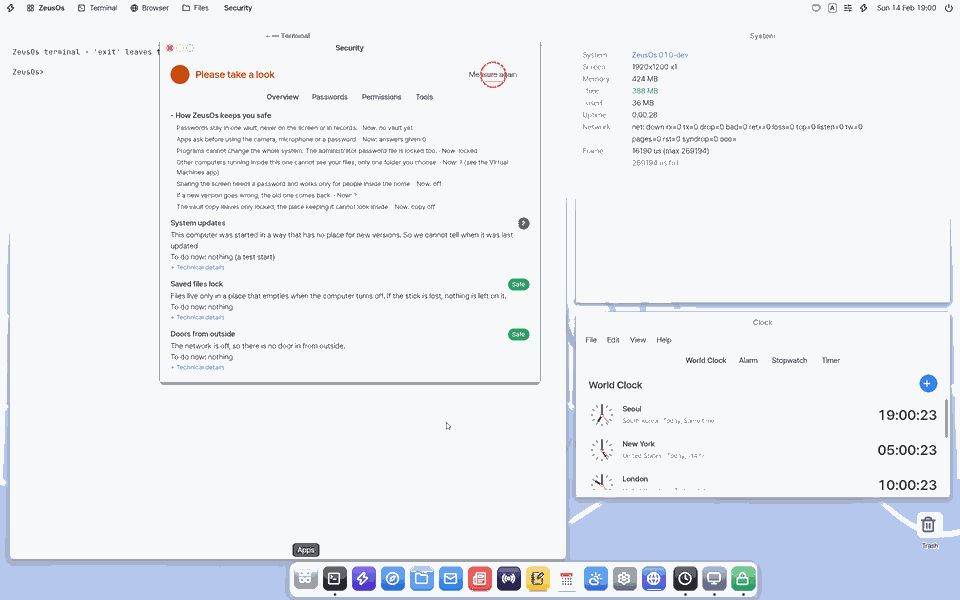
1. See the overview
- Read the verdict at the top (Safe · Please take a look · Fix this now) and each row's plain words and "To do now".
2. Check passwords
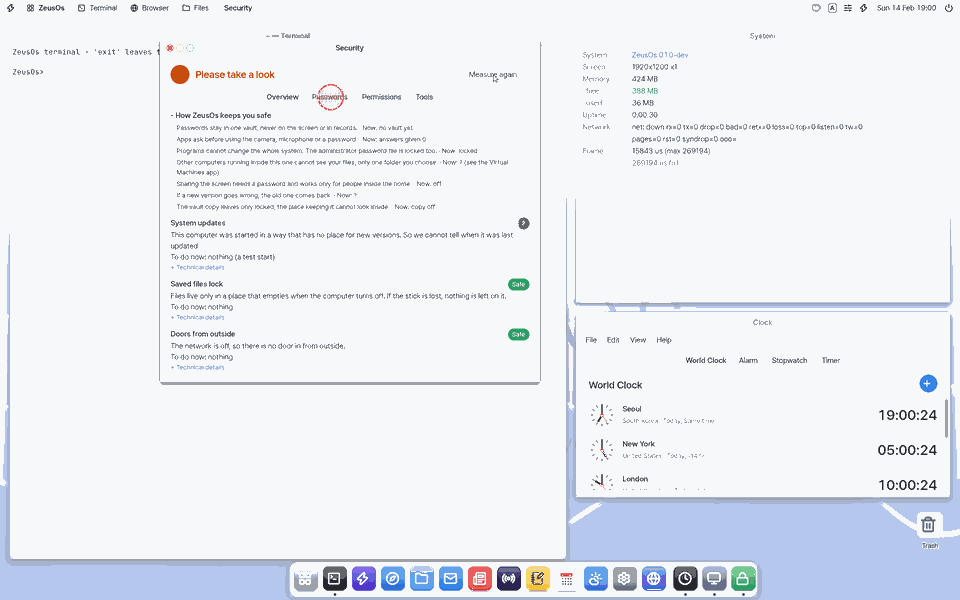
- Open the Passwords tab.
- With the vault open, press Check passwords: weak, reused and old items are listed. Click one to change it in the Vault.
3. Revoke a permission
- In Permissions see the microphone, the camera (per app), vault access, screen sharing and the SSH server; confirm a revoke in the sheet.
4. Encrypt and sign files
- In Tools encrypt a file with age or sign it with minisign.
Shortcuts
Settings
Plain words
Every row first says in everyday words what is going on and ends with "To do now". At the top, "How NanumOS keeps you safe" shows how this computer is protected and how it is right now. Technical words appear only under Technical details.
Breach check
Check for breaches… runs only when you press it and agree. For each password only the first 5 characters of its SHA-1 go to haveibeenpwned.com; the match happens on this device. Passwords never appear on the screen or in logs.
In the Terminal
cat /proc/security (the same checks), age, age-keygen, minisign, certs (certificates). Ask the Zeus app "check security" and it reads the same rows; changes happen only in the Security app's confirmation sheets.
Certificates (company CA)
A certificate is a site's ID card, and a certificate authority (CA) is who issues it. NanumOS trusts only the IDs issued by its 118 built-in authorities. If your company runs its own authority for internal sites, those sites fail with "certificate is not signed by a trusted CA". To do now: in Tools › Certificates press "Add a Company CA…", pick the CA file your company gave you (.pem, .crt, .cer, .der) and press Trust only if the fingerprint on the sheet matches the one your company told you.
- Added and distrusted authorities are listed in the same place, each with Remove or Trust Again (always behind a confirmation sheet).
- NanumOS never trusts an authority on its own. A server certificate (not a CA) or an expired one is refused.
Secure delete
On flash (SSD, USB) overwriting does not reach old blocks. Keep secret files encrypted with age from the start and delete the key.
What it cannot do
Per-app network and file permissions and plug-ins do not exist yet (a note only). Storage encryption is not in this release. In the web version (lite) the password check (weak, reused, old) and vault grants work; ports, SSH and updates are 「?」, and the breach check and tools need NanumOS.
NanumOS 0.1.8349 · 2026-11-16