ZBrowser
Status: Ready
A full-screen browser for web addresses.
About this app
ZBrowser shows web pages with NanumOS's own engine. It does not chase the whole web: it focuses on showing text-first sites (news, wikis, blogs) fast and light, and on letting the assistant read the web as structure and tidy it. Video and complex sites belong to the Browser (the Mac web view in NanumOS.app).
Tidy view
Every site has its own design and its own way of writing. The tidy view shows any page in one NanumOS template — title, site and date, a three-line plain summary, then the blocks that fit the kind of page.
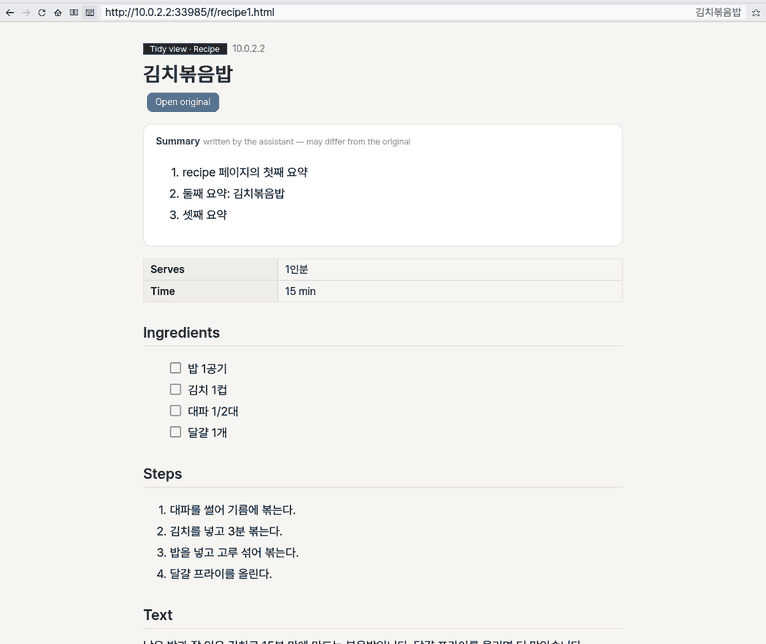
- News and blog posts: the text alone in a reading typeface. A product: a price, options, shipping and reviews table and a 「Compare with other shops」 place. A recipe: an ingredient checklist and the steps. A forum post: the post and its comment tree (replies folded; 「Show N replies」 opens them). A public notice: date, who it is for, what to do. A wiki or manual: contents and sections.
- Open original is always at the top. Ads, tracking pixels and menus never appear in the tidy view (the site itself is untouched).
- Payment, banking, transfers, orders and sign-in are never done for you: the information is shown read-only with 「Do this on the site itself」 and an [Open the site] button. The tidy view makes no input fields and no submit buttons.
At a glance
In one line: A browser that opens web addresses.
The screen
- Address bar: type an address or something to search
- Tabs: keep several pages open
- Tidy view button (left of the address bar): shows a page in one common layout
- Green button: full screen
Task 1. Open an address
- Press
Ctrl+L - Type an address or search words
- Press
Enter
Say: "Open the browser"
Task 2. Open a new tab
- Press
Ctrl+T - Type an address
Say: "Open the browser"
Task 3. Tidy a page
- Open a page
- Press the tidy view button
Say: "Tidy this page for me"
Basics
- A web page is text (HTML), looks (CSS) and behaviour (JavaScript). A browser reads the text into a tree (the DOM), applies the looks and draws it.
- Many sites also carry structured data you do not see — JSON-LD and microdata written for search engines (schema.org: a product's price, a recipe's ingredients and steps, an article's date and author) and OpenGraph for link previews (title, site name, picture).
- A selector (CSS selector) is an address of 「this place on the page」 — e.g.
div.recipe > ul.ingredients > liis 「the items of the ingredient list inside the recipe box」. The tidy view learns such selectors per site.
How to use it
Tidy view
- Open a page in ZBrowser.
- Press the tidy view button (a lined page, right of the reader view button) or
Shift+F9. - On a site seen for the first time the summary box says 「Writing the summary…」 for a moment, then the page takes its kind's template.
- Press it again for the page itself. Following a link or going elsewhere closes the tidy view too.
- Or ask the assistant: 「tidy this page」 (the
tidy_pageaction — reading only, so no approval card). Questions like 「what are the ingredients?」 are answered from the tidy structure with block numbers (tidy_section).
How it works
ZBrowser reads a page into the DOM with our engine (user/webengine), lays it out and draws it in its window. Scripts run inside our engine too. The older text view (Launcher › Browser) loads its page in the background: the status row says "Loading… N s" with Cancel (or Esc), and after 20 seconds it says so; Reload tries again.
Tidy view
Think of moving house: the tidy view puts your things (the page's text) into the same chest of drawers every time. The things stay as they are; only the drawers are ours.
- Code takes the skeleton. From the page ZBrowser's engine already built (the DOM): title, date, author, the main text, headings, lists, tables, picture descriptions, what the page declares about itself (JSON-LD, microdata, OpenGraph: price, ingredients, steps, comments …), the comment tree and how many input fields there are. Nothing else is fetched — only the page the person opened.
- The model only chooses. The outline (candidate parts and numbered blocks) goes to the assistant's head once; with one tool call it returns the kind of page, which candidate is which part, and a three-line summary. No word list guesses the kind.
- Learned once, fast after. Code checks the head's picks on the page (a title and a body really there, a sane body length) and keeps them as the site's tidy rule: where the title and the text are (selectors) and the kind — nothing else. The next page of the same kind on that site is tidied by the rule without the head (「Get a summary」 when you want one). When the site's layout changes and the rule no longer fits, it is learned again. A small line under the template says 「This site's tidy rule: learned / learned again」.
- Drawn in our template. The text and the picks become the NanumOS template (HTML), drawn by the same engine. No scripts, pictures or ads are loaded.
Try it: on a recipe page press Shift+F9, Shift+F9, Shift+F9 (tidy, back, tidy again). The second time the summary box shows 「Get a summary」 and the page appears at once — the learned rule did it. Settings › Apps › ZBrowser › 「Sites learned for the tidy view」 lists the site.
Technical details
- Extraction:
user/webengine/tidy.c(web_tidy→ ZTD1 records,web_tidy_brief,web_tidy_html,web_tidy_rule); the body comes from the sameweb_rdocas reader view. Contract:docs/contracts/TIDY.md. - The head:
zeus --tidy-kindreads the outline on standard input (a pipe), offers the single tooltidy_page_kindand prints@kind,@sum,@title… lines (user/zeus/appdo.py tidy_verdictchecks only their shape). - HTML or text handed over from another browser (the Chromium VM, the Mac host browser) goes through the same
web_load→web_tidypath.
What is not kept — and why
- The page's text is stored nowhere. The outline lives in ZBrowser's memory only and is wiped (overwritten, then freed) when the tidy view closes or you go to another page; left open, it is wiped after 10 minutes and only the picture on screen stays. It reaches the head through a pipe, not a file.
- Only the site rule is saved (places and the kind) — it holds no sentence of the page.
- Why: an article belongs to whoever wrote it. NanumOS shows the page you are looking at in a readable way; it does not collect it or pass it on. It never fetches paywalled or signed-in text around the site's own checks — the tidy view uses only what the page you opened already shows.
FAQ
What if the summary differs from the original?
The summary box says 「written by the assistant — may differ from the original」. The text below and 「Open original」 are what count.
Can I pay or sign in from the tidy view?
No. Such pages are shown read-only with [Open the site] to do it on the site itself.
How do I make it forget a site?
Settings › Apps › ZBrowser › 「Sites learned for the tidy view」: [Forget] or [Forget all]. To stop learning, turn off 「Learn site tidy rules」.
What if there is no assistant head?
The template and the text still appear; the summary box says why (「No summary: …」). The kind shows as 「Other」 — code does not guess it.
Try this
1. Open an address
- Press
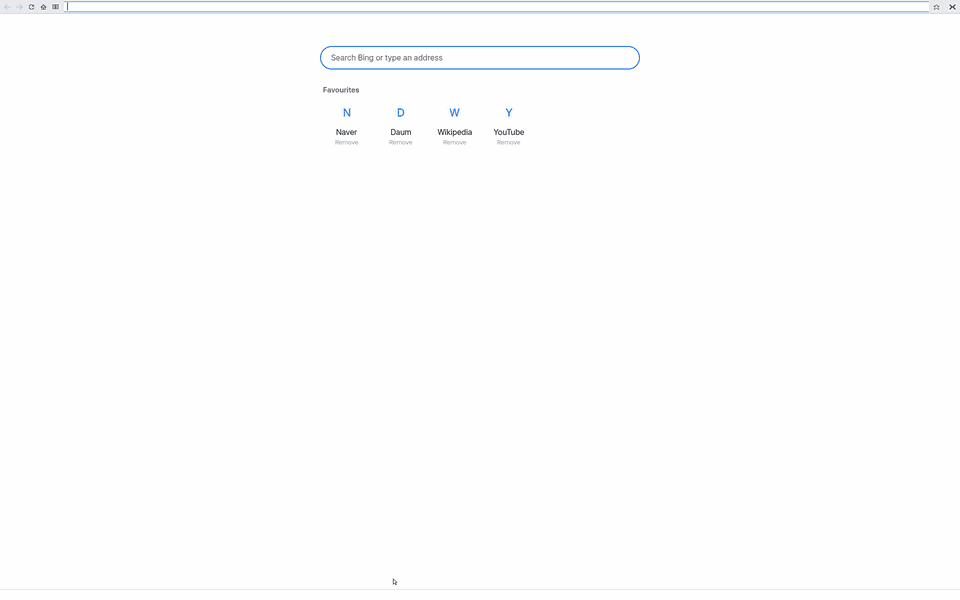
Ctrl+Lto type in the address field.
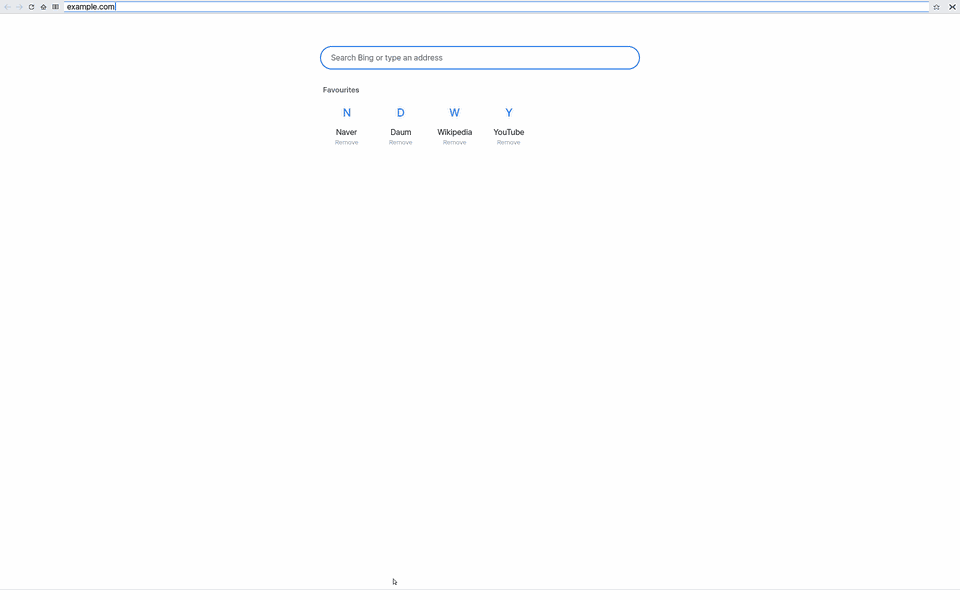
- Type an address or words to search, then press
Enter.
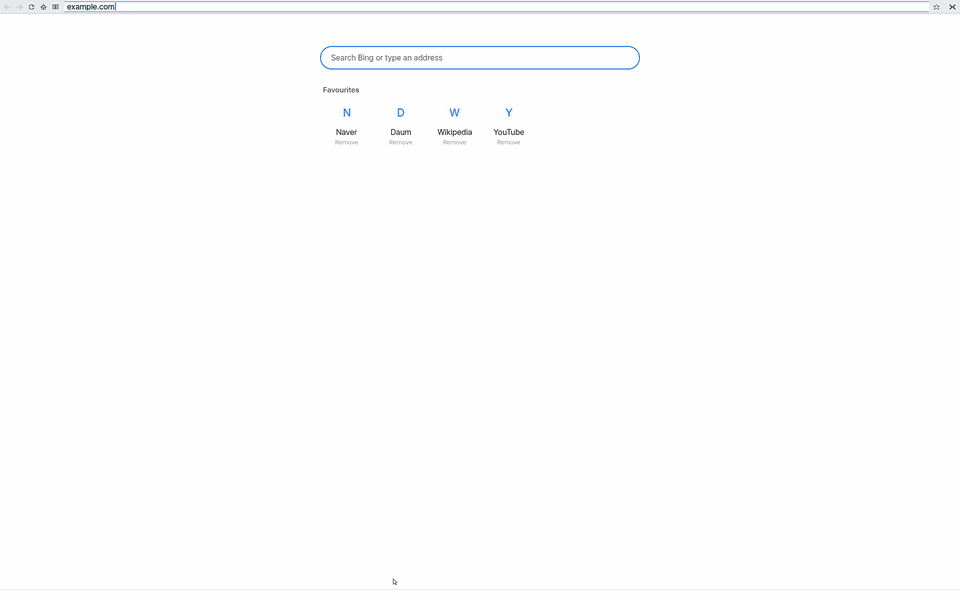
2. Open a new tab
- Press
Ctrl+Tfor a new tab.
3. Close a tab
- Press
Ctrl+Wto close the tab.
Shortcuts
| Key | What it does |
|---|---|
Ctrl+L | Type in the address field; Enter goes. |
Ctrl+T / Ctrl+W | New tab (New Tab page) / close the tab (the last one quits ZBrowser) |
Tab with Ctrl held | Next tab; with Shift too, the previous one. Ctrl with a digit 1 … 8 goes to that tab, Ctrl+9 to the last |
Ctrl+D | Add to / remove from the favourites |
F5 or Ctrl+R | Reload |
Alt with the left / right arrow, Backspace | Back / forward, back |
Tab (with Shift: backwards), Enter | Next / previous link, follow it |
Ctrl+F or F3 | Find in page |
Ctrl+A / Ctrl+C / Ctrl+V | Select all / copy / paste |
Ctrl+= / Ctrl+- / Ctrl+0 | Zoom in / out / 100% (remembered per site) |
F9 | Reader view |
Shift+F9 | Tidy view (again: the page itself) |
| Up / Down in the address field | Choose a suggestion |
Esc | Stops typing the address, finding or loading; in full screen, back to the window. |
| Green button | Full screen / back to the window (Esc too) |
Red button, Cmd+Q, Ctrl+Q | Quit ZBrowser |
Korean / English input: Shift+Space, right Alt or the Han/Eng key. Ctrl+click opens a link in a new tab.
Settings
| Name | Values |
|---|---|
| Search engine | Automatic (by language: Korean → Naver, otherwise Bing) · Naver · Google · Bing · DuckDuckGo |
| Home page | Where the Home button goes; default about:home (the New Tab page) |
| Learn site tidy rules | On (default) or off. Off: the tidy view asks the assistant every time instead of learning each site |
| Sites learned for the tidy view | The learned sites, each with [Forget], and [Forget all] |
Overview
An app to view web pages. It opens in a window like any app (the top bar, the Dock and the clock stay) and draws the page with an engine NanumOS made itself. The "Browser" in NanumOS.app is the Mac web view — a different app; where there is no Mac web view, ZBrowser is the Browser.
What it does
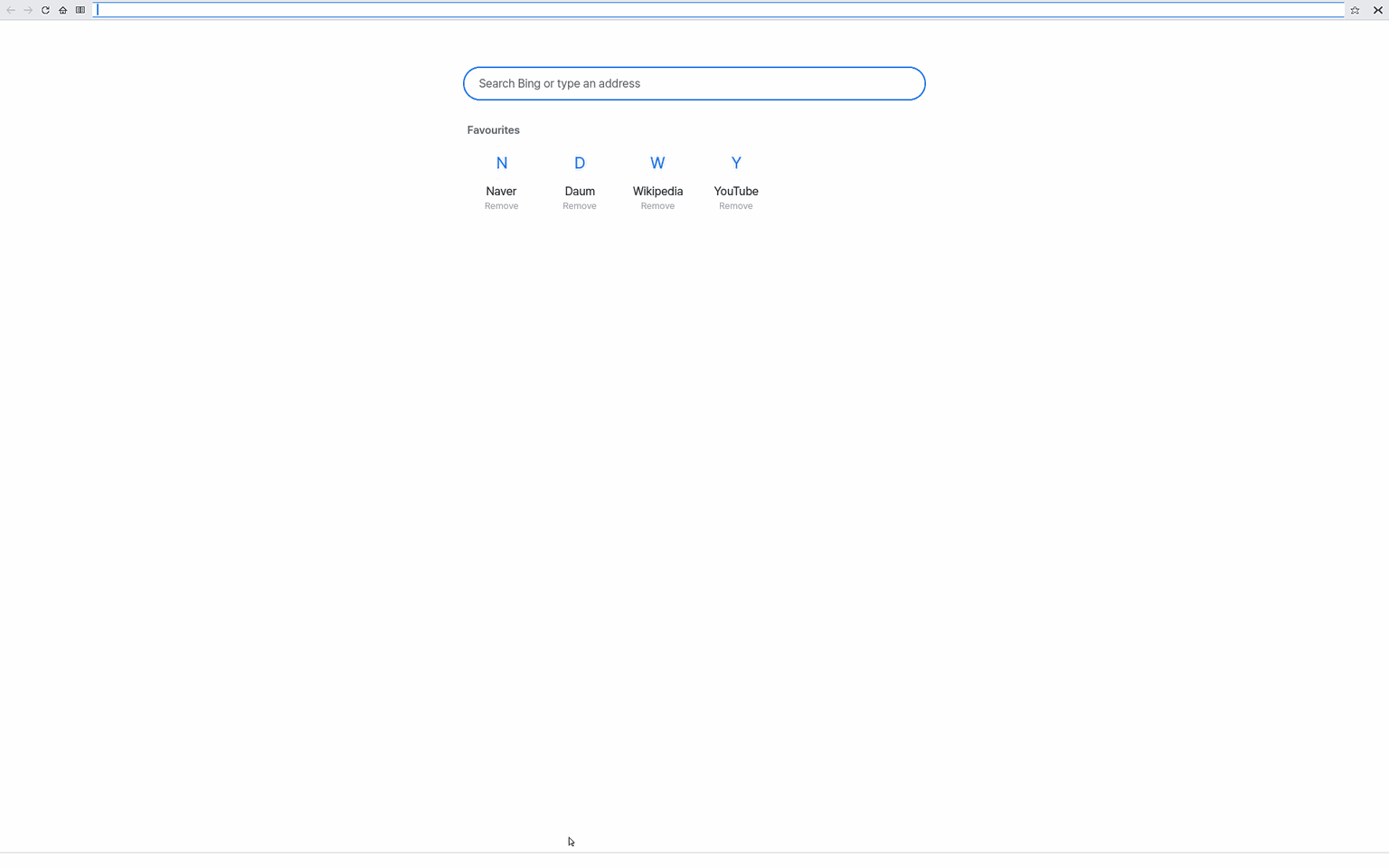
- It opens on a New Tab page with the address field ready to type in: a search box in the middle, Favourites (Naver, Daum, Wikipedia and YouTube at first) and Recently visited pages.
- Words without a dot, or Korean words, in the address field are searched for; an address opens that page. While you type, matching pages from your favourites and history show below (Up/Down to choose,
Enter). - The star (☆) right of the address field or
Ctrl+Dadds the page to the favourites; again removes it. "Remove" under a tile on the New Tab page removes it too. - The YouTube tile opens in the Browser (Chromium) where the computer has the Chromium VM (video is played by a full browser).
- Up to eight tabs, find in page, select and copy, zoom, and a reader view that shows only the article.
- A page ZBrowser cannot draw well yet shows, in place, "This page does not show well in ZBrowser yet" with three buttons (Open in Browser (Chromium) · Reader view · Try again). Nothing navigates until you click. A page that stays nearly empty after its scripts ran (www.naver.com, www.daum.net) gets the same words and buttons in a yellow bar under the toolbar; the page stays.
- If ZBrowser stops while opening a page, no other window takes its place: the same place shows "ZBrowser stopped while opening this page" with the same buttons. Other pages still open.
- Pages open quickly: the files a page uses (its look, scripts, pictures) come several at a time instead of one after another, and compressed.
- The phone edition (Lite) has its own thin "Browser" app; its search follows the OS language (Korean: Naver).
Screen
- Top row: Back, Forward, Reload (✕ Stop while loading), Home, Reader view, the address field, the star (favourite). The window's red button quits (it remembers the window's size and place). A blue line grows under the row while a page loads. The address field shows the page's address; on the New Tab page it is empty ("Search or type an address").
- Tab row: with two or more tabs, each tab's title and close X under the address row,
+at the end. - Page: the pointer becomes a hand over links; a click follows the link.
- Bottom row: the link's address under the pointer, a button's name, or "Loading". Keyboard shortcuts are not shown on the screen (see the table below).
- When a page cannot load, an error page says why (Server not found · Secure connection failed · The connection has timed out) with "Search for … instead" and "Try again".
Menus
There is no menu bar; everything is the top row's buttons and keys. F1 opens help.
Version
ZBrowser 1.5.0 (tidy view: any site in one NanumOS template — blocks per kind, a three-line summary, learned site rules). ZBrowser 1.3.0 (a page keeps moving, drawing and answering your keys while it waits for its own data from the internet; more news front pages such as daum.net and hankookilbo.com show properly). 1.2.1 (pages that show dates in other time zones open properly, and the browser gives memory back after each page). 1.2.0 (faster pages: several files at a time, compressed answers). 1.1.0: New Tab page, search engine setting, favourites, suggestions, in-place notice and crash page.
For developers
Set-up that the user's screens do not show:
- vnc remote browser: its vnc address in
/etc/web/remote; open it withvnc ADDRESSin the Terminal. - Machine-wide search URL:
/etc/web/search(used only while the setting is Automatic; tests). about:crashstops ZBrowser on purpose (like chrome://crash), to test the crash page.- The desktop keeps
web's "web: going URL" line; whenwebdies it runsweb about:crashed?URLand writes/tmp/web-crashed(os_check's ZBrowser row turns 주의)./tmp/web-browservm(1/0) tellswebwhether the Chromium VM can take a page. - What lies on top of what: boxes are drawn in the order browsers use -- a box's z-index counts across the whole page, a menu that is closed or hidden stays hidden, and a menu that sticks out of a box that cuts its content is cut only when that box holds it. Pages look as in other browsers: daum's search bar shows its keyboard and search buttons, mdn's closed menus no longer cover the article. The test pages are user/webengine/tests/paint_*.html.
- The old text view (
webview) is no longer in the launcher; only the launcher's hiddenwkey (tests) opens it.
What it cannot do
- No full history window (Ctrl+H), favourite folders, download manager or password autofill.
- Very complex sites may not show well; use "Open in Browser (Chromium)".
NanumOS 0.1.8349 · 2026-11-16