zcloud
Status: Ready
Your photos, documents and vault on the home NAS at a glance.
About this app
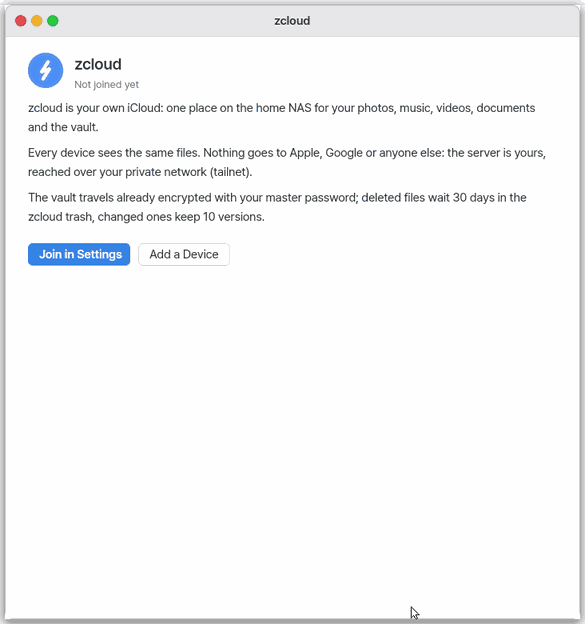
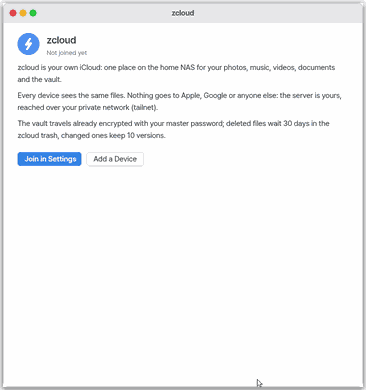
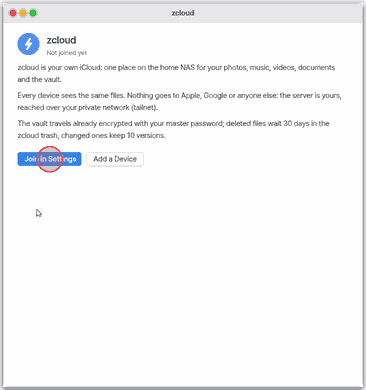
zcloud shows at a glance the photos, documents and vault you keep on your home NAS (a storage box at home). It shows storage used against the 2 TB limit, the devices that joined and when each was last seen, the vault sync result, the photo count and recently changed files. Before you join, it explains what zcloud is. The web screen (mobile) cannot reach your home NAS yet, so it shows only the explanation and the join steps.
Basics
How to use it
- Open the app.
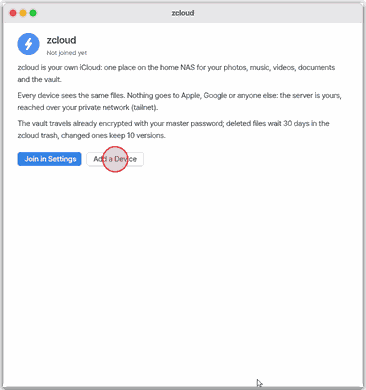
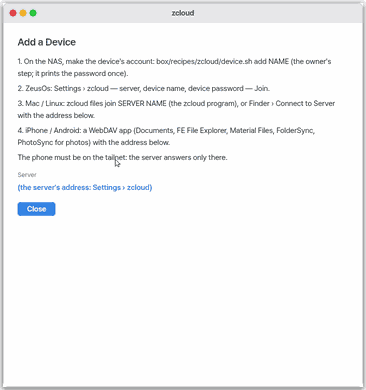
- Press "Add device" to see the steps for joining a new device and this server's address.
- Before joining, "Join in Settings" opens Settings › zcloud.
Try it yourself
Try it yourself: Open the app and press "Add device" to read the steps. On a joined device, also press Ctrl+R.
How it works
- When you open the app it asks the server for the used space, devices and recent files. If the server does not say, the app counts file by file, and shows "at least" when there are very many folders.
Technical details
- File join is
vault zcloud files joinin the terminal; vault join is in Settings › zcloud. Sourcesrc/gui/zcloudapp.c.
FAQ
My phone is not in the device list
A WebDAV app on a phone leaves no trace, so it may not appear.
Where do I join
Do photos upload automatically
Not yet. Automatic photo upload and sharing with other people (shared folders) do not exist yet.
At a glance
In one line: An app that shows, at a glance, your photos, documents and vault kept on your home NAS.
The screen
- Storage: the amount used and the 2 TB limit
- Device list: devices and when each was last seen
- "Add device": shows the steps to attach a new device
Task 1. See it at a glance
- Open the zcloud app
- Look at the screen
Say: "Open zcloud"
Task 2. Add a device
- Press "Add device"
- Read the steps shown
Say: "Open the zcloud app"
Task 3. Sync now
- Open the app on a joined device
- Press
Ctrl+R
Say: "Open zcloud"
Try this
1. See it at a glance
- Open the app.
2. Add a device
- Click "Add a Device".
- The steps to join a new device (the NAS account, then NanumOS, Mac or phone) and this server's address.
3. Join and sync
- "Join in Settings" opens Settings › zcloud.
Shortcuts
| Key | What it does |
|---|---|
Ctrl+R | Sync Now |
Ctrl+W | Close Window |
Settings
Settings › Apps › zcloud:
What it cannot do
- The web version (lite) does not reach the home NAS yet: it explains what zcloud is and how to join.
- Without the server's own count the used space is counted file by file, and "at least" when there are very many folders.
- No automatic photo upload and no sharing with other people (shared folders) yet.
NanumOS 0.1.8349 · 2026-11-16